
Free online wedding planner
Manage guests, seating, budget, checklist, timeline, and your wedding website without juggling spreadsheets, scattered notes, or too many tools.
Everything from guest list to seating chart, connected in one place
Start with your guest list, move into seating, keep your budget and checklist under control, and publish a wedding website that stays connected to the same project data.
- Guest list
- Seating chart
- Budget
- Checklist
- Wedding website
Built to help couples move from planning chaos to a clean, shared workflow.
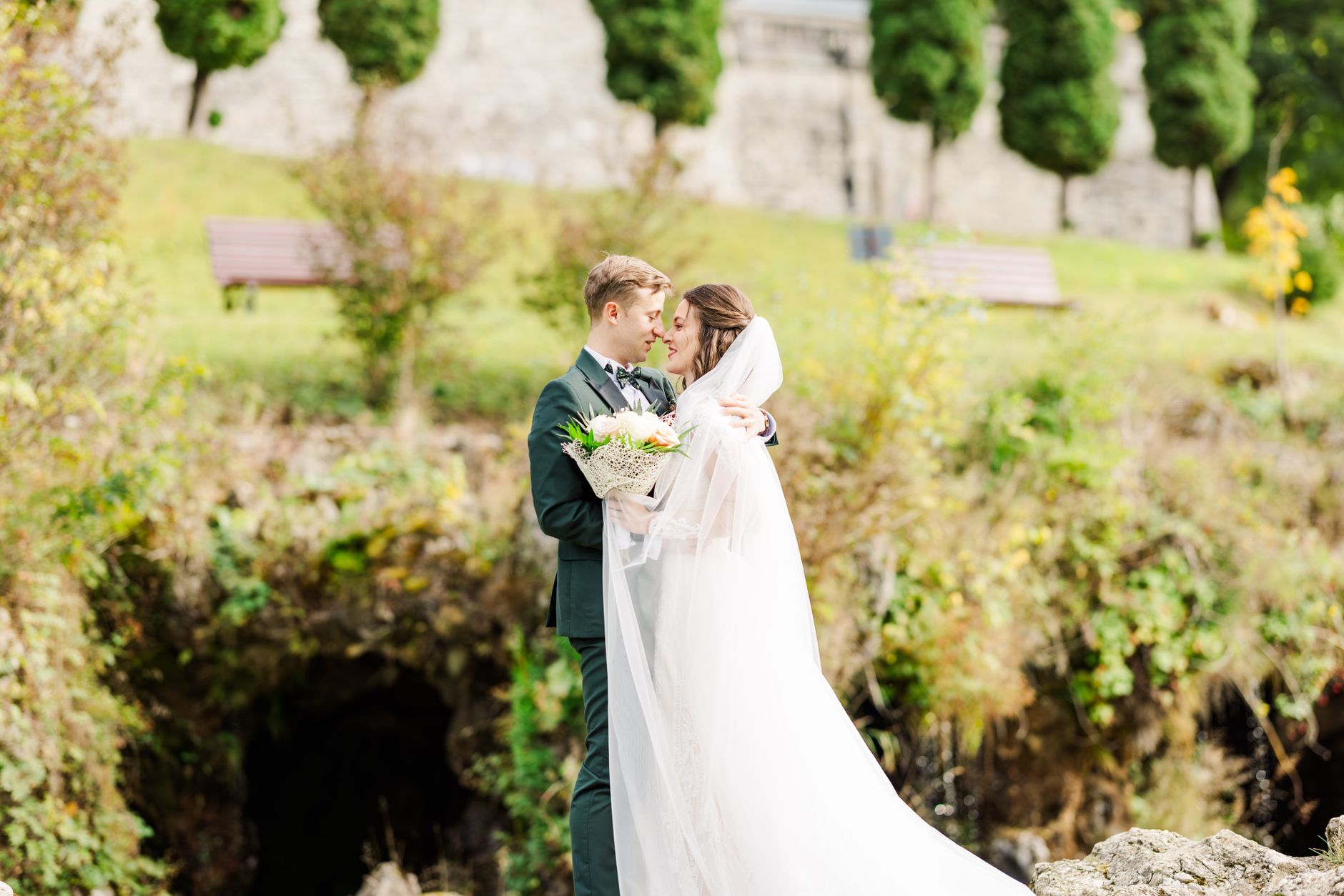
The planning surfaces couples use the most
Every major planning step should feel connected, not like a separate app. Wedding Seat gives you one workspace that grows with the wedding.
Guest list
Track invitations, households, plus-ones, RSVP status, notes, and meal preferences without spreadsheet chaos.
Explore guest listSeating chart
Design ceremony and reception layouts, move guests visually, and compare multiple seating versions fast.
Explore seating chartBudget
Keep costs, categories, payments, and vendor spend in one place so the budget stays visible at every step.
Explore budgetChecklist
Turn planning into clear milestones with deadlines, priorities, and a calmer view of what still matters.
Explore checklistTools hub
See the full Wedding Seat ecosystem and move from discovery pages into the actual product faster.
Open tools hubCreate your project
Skip the overwhelm and start with one clean project that ties your planning tools together from day one.
Start freeFrom helpful pages into a real planning workflow
Wedding Seat is not just content. It is where search, planning tools, and project creation connect into one experience.
Guest list guides and templates
Examples, templates, and workflows that help couples get started faster.
Seating chart pages
Templates and inspiration that lead directly into the seating tool.
Budget pages that move into action
Start from educational content and continue inside the actual budget workflow.
Templates that lead to project creation
A cleaner bridge from search intent to product usage and account creation.
Built for modern weddings across languages, cultures, and guest structures
Wedding planning is not one-size-fits-all. The platform is designed to support local expectations, different family structures, and future culture packs at scale.
Language-ready
A scalable multilingual architecture for English, Spanish, and future language bundles without bloating the interface.
Prepared for international rolloutWedding-first structure
Guest sides, households, regional expectations, and multiple planning surfaces are handled inside the same product language.
Designed for real wedding workflowsCulture packs
Future layers for customs, naming patterns, event structures, and templates that feel native rather than translated.
Strategic roadmap layerA simpler path from first idea to final guest experience
The product should help you move forward, not create more admin. This flow mirrors how couples actually plan.
Create your wedding project
Start a shared project, define your wedding basics, and establish one clean source of truth from the beginning.
- Free start with core planning access
- Invite your partner or planner
- Set your planning foundation once
Add guests and organize details
Build the guest list, monitor RSVPs, manage family structure, and keep your planning details connected.
- Guest list, tags, notes, households
- Budget and checklist visibility
- A calmer overview of what matters next
Finalize seating and share the experience
Use connected data to build seating plans, publish your website, and keep everyone aligned with fewer last-minute surprises.
- Ceremony and reception layouts
- Website with RSVP and schedule
- Better clarity for vendors and venues
A wedding planning product first — with room to grow into venues and business tools
The front page should clearly sell the product today while still preparing the ecosystem for venue discovery, wedding business features, and future marketplace layers.
For planners, venues, and wedding businesses
There is already a natural path toward collaboration with venues, planners, and businesses that need structured guest and layout information.
- Cleaner handoff of layouts and counts
- Shared planning visibility
- Foundation for future marketplace growth
Questions couples usually ask before they start
This keeps the front page useful, reassuring, and conversion-friendly without turning it into a generic marketing page.
Is Wedding Seat free to start?
Yes. You can start a real project, use the core planning flow, and manage up to 50 guests on the free plan before upgrading.
Do guests need an account?
No. Guests can interact through your wedding website, RSVP experience, and shared information without creating their own account.
Can I use it with my partner, planner, or venue?
Yes. Wedding Seat works best as a shared planning workspace, so your key collaborators can work from the same source of truth.
Is it only for weddings?
The product is designed wedding-first. That focus helps the experience stay premium, coherent, and much more useful for couples.